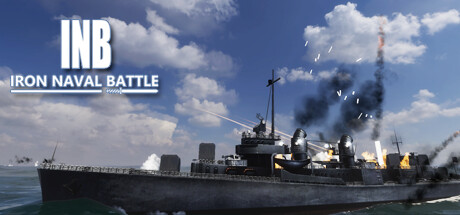
A sea of conflict, never back down. During the battle, you can switch any warship of your own side arbitrarily, a fast-paced naval battle game simulator. Let the shells roar, I am invincible.
Developer:
Gamego Studio
City:
Calgary
Release Date:
TBD
Get the Game
About
A sea of conflict, never back down. During the battle, you can switch any warship of your own side arbitrarily, a fast-paced naval battle game simulator. Let the shells roar, I am invincible.
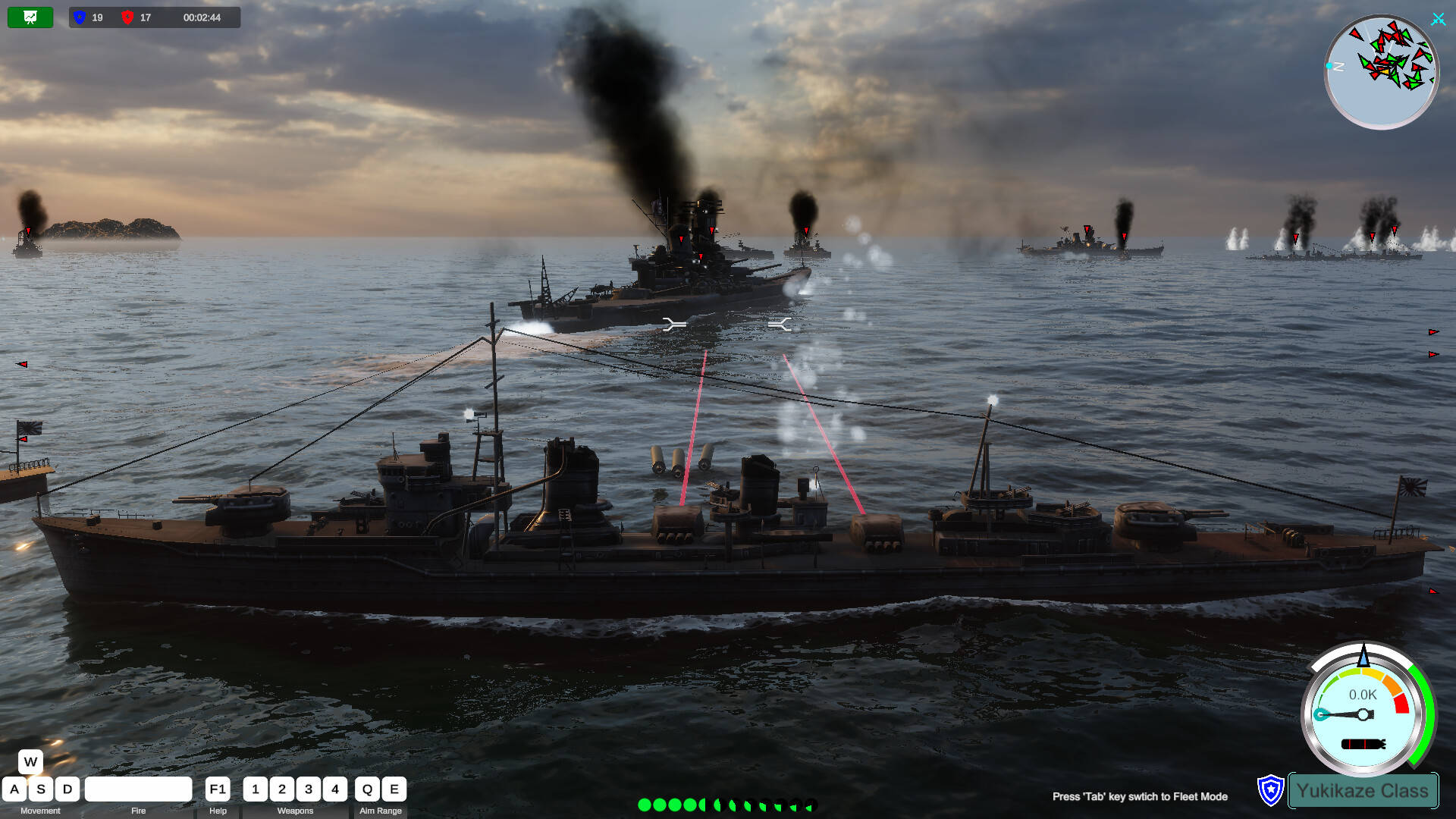
You have a lot of freedom, you can pilot your own warship and play your own decisive role in the conflict. You can also switch to any of your own warships, fighter planes or submarines to take over control and continue to attack the enemy. Experience the joy of driving and attacking warships, submarines, and fighter jets in battle. In addition to some small and interesting levels in the game, there are also levels of large-scale sea conflicts. The maximum number of warships is 19vs19, more fighter jets, and various attack methods. This is a rare naval battle simulator. The project is still in progress, and it is expected to add an online battle function in the future.
Simple Driving Controls
The way players drive their warships is a very simple traditional way, W key, S key to upshift and downshift. The speed of each battleship is set in proportion to the speed of the real battleship. When the engine gear of the ship changes, the engine will gradually increase or decrease the speed to the specified gear speed, so the player only needs to change the gear instead of pressing the W or S key to drive.
The player uses the A key or the D key to turn, and the degree of turning is proportional to the moving speed of the ship at that time. Only the ship can turn when it is running. Release the turn keys (A, D), and the rudder will return to its original position. Adopting such a driving style design can reduce the learning burden of players in driving and conform to the driving habits of players.
Gun Control
For the ship’s main gun, string gun control is performed by simply pressing the Q and E keys. The Q key gradually raises the muzzle, which can strike targets at a longer distance. The E key lowers the muzzle and strikes close-range targets. The strike range of the artillery